Production File
Print-ready production files for your specific printing method
When the artwork is ready, we set up the file your production system actually runs — separations, dye-sub files, laser edging, wide-format output and vehicle-wrap artwork included.
What you get
- A file optimized for the production technique you name: screen print, DTF, DTG, dye sublimation, laser edging, wide format / signage, or vehicle wrap.
- Color separations, bleed, underbase, CMYK or spot-color setup when the job needs them.
- For wide format and wraps: print-ready files in the format and size you request, following the templates you provide or that we build as needed.
How to choose a complexity
Production Files are quoted in The HIVE, our Artwork Management Platform, as Basic, Standard, Advanced or Complex. The examples below follow those catalog tiers. Coin amounts are the current catalog prices. Wide-format work is also ordered as a Production File; a labeled example is on the Wide Format page.
Complexity criteria
Complexity depends on the technique setup: a simple single-technique file, a multi-color file with separation and bleed, CMYK / underbase / spot-color or paneling work, or a full package for a demanding job.
Choose this when you need a simple setup for one technique (DTF, screen print or sublimation), or a straightforward banner, sign or single-panel wrap on a provided template. 5 Bee-Coins.

Onyx Healthcare — engraving file
One-color vector for the laser. Shown on dark for legibility, so the laser reads a single engraving pass with no gradients or soft edges.
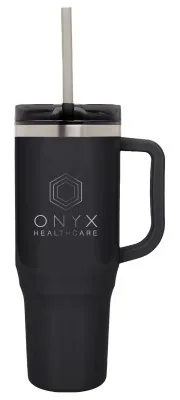
Onyx Healthcare — tumbler mockup
Engraved on a black tumbler.
Choose this when you need a multi-color file with color separation and bleed, ready for production, including multi-panel banners or wrap side files on a provided template. 10 Bee-Coins.
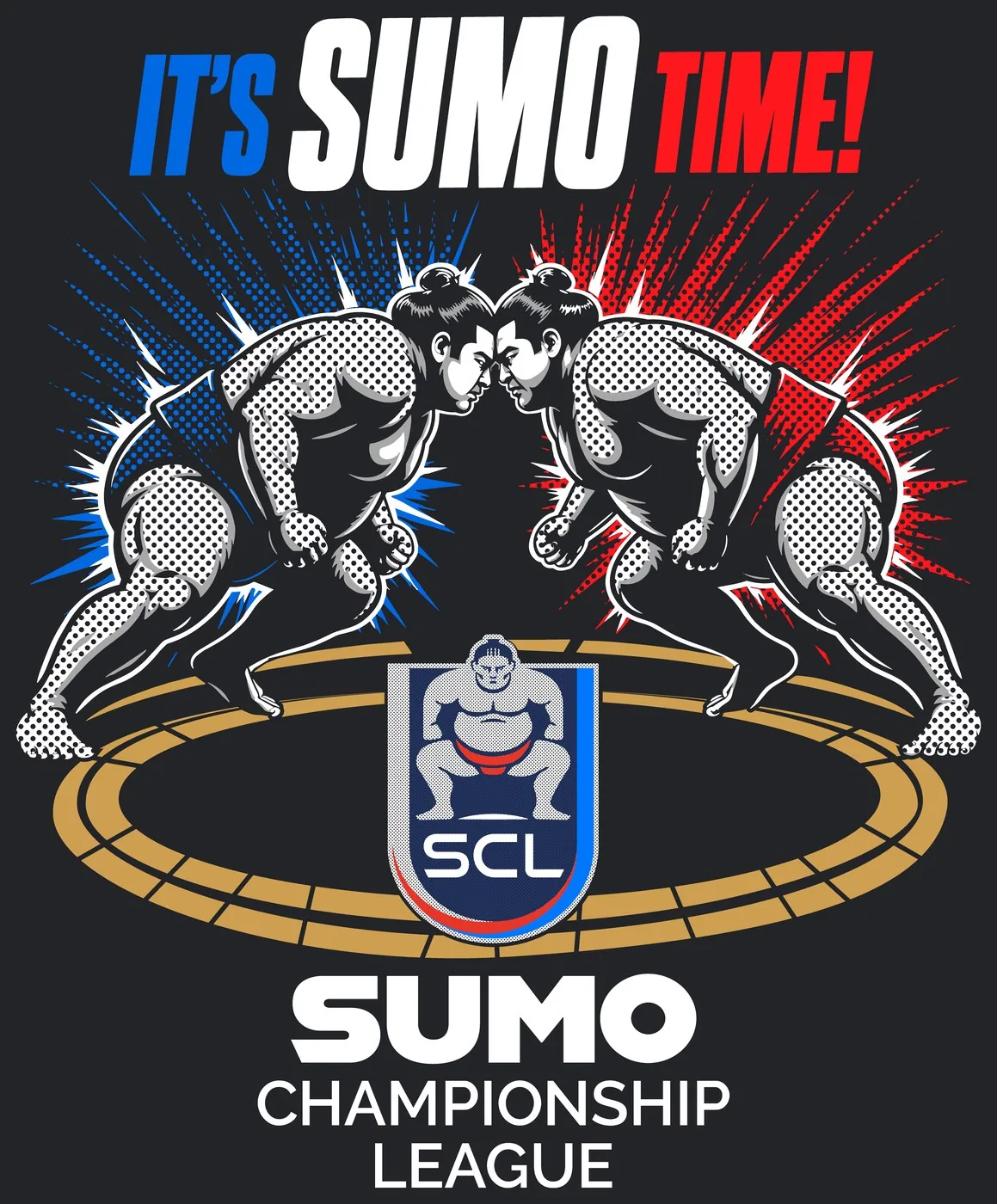
It’s Sumo Time — transfer artwork
Oversized DTF transfer with vector halftones. White-ink wrestlers with vector halftone shading over red and blue halftone bursts. Shown on dark so the white layer reads.
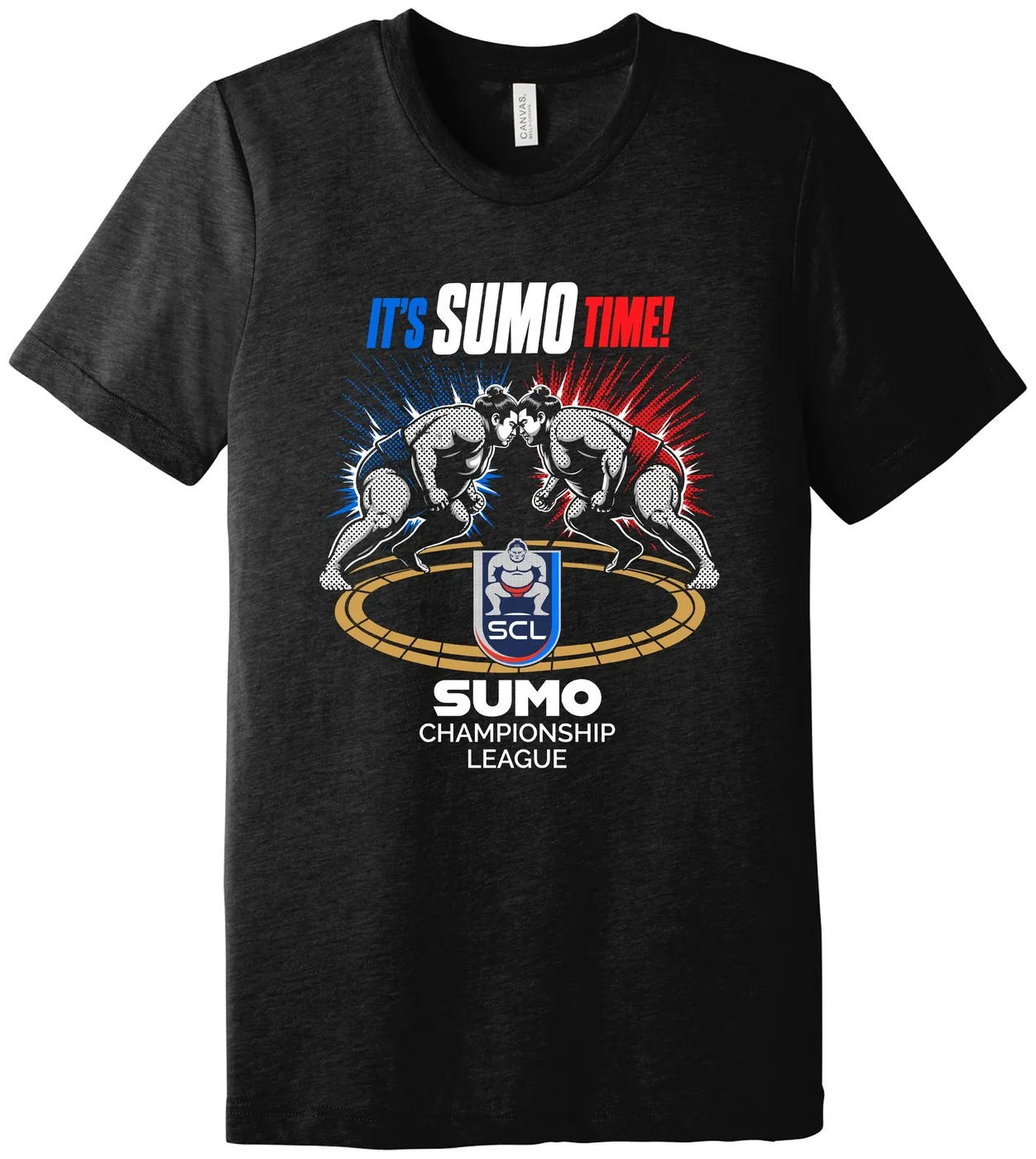
It’s Sumo Time — tee mockup
Sumo Championship League, full-front print on a heather black tee.
Choose this when the job needs CMYK, underbase or spot-color setup for detailed or multi-layer prints, or wide-format and wrap work that needs paneling, cut lines or a template we build. 20 Bee-Coins.
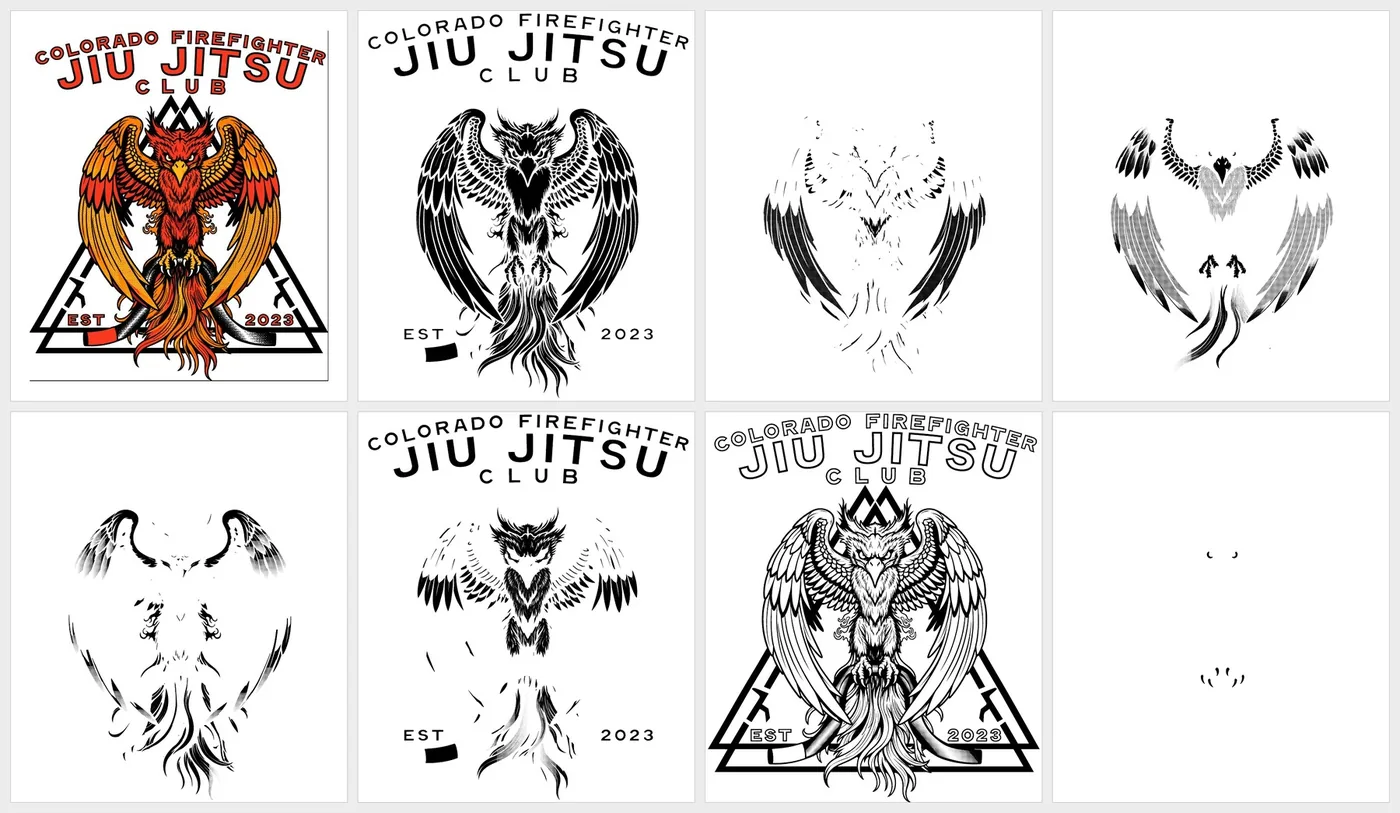
Colorado Firefighter Jiu Jitsu Club — final art and film set
Screen print. Seven film positives with white underbase, PMS colors and black, plus an alternate white for printing without underbase. Print order marked on every film.
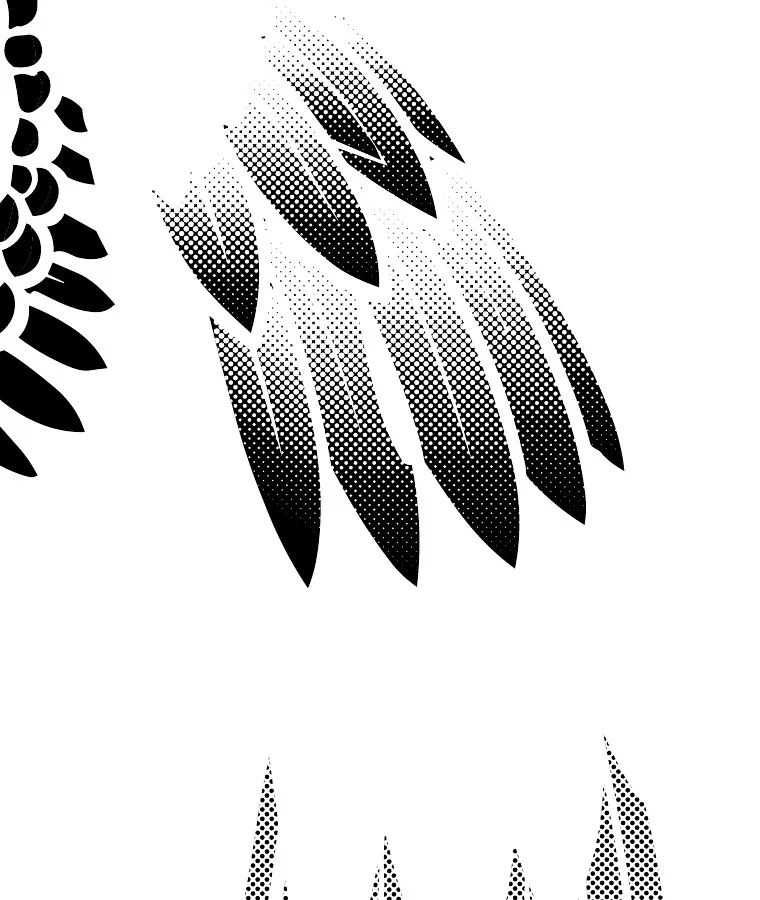
Vector stipple halftone — detail
Yellow film, upper wing. Tones built as vector dots, with no fixed LPI.
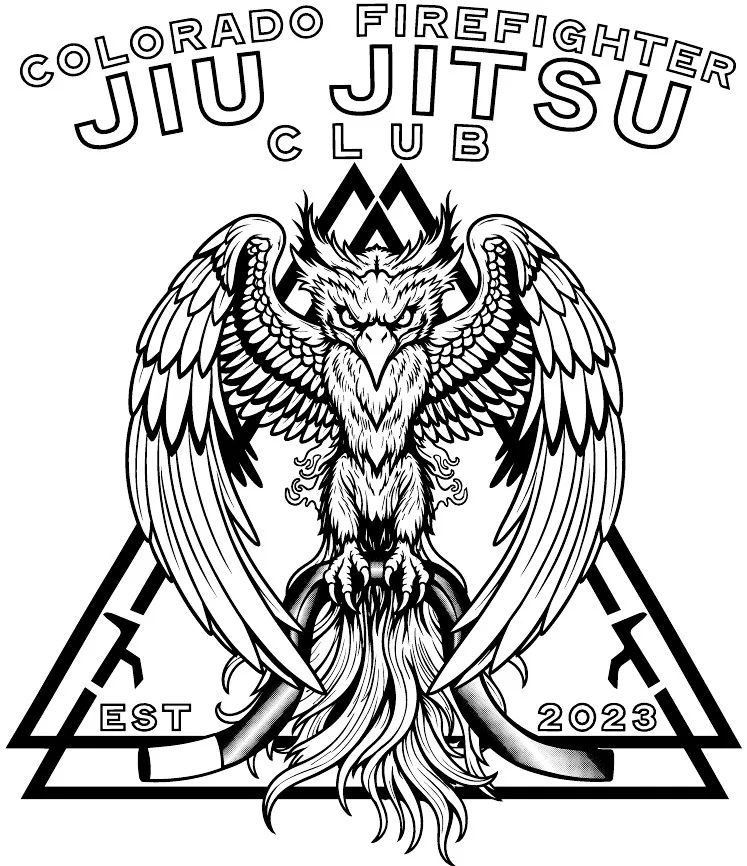
Black key film
Linework and type, printed last on top of the color stack.
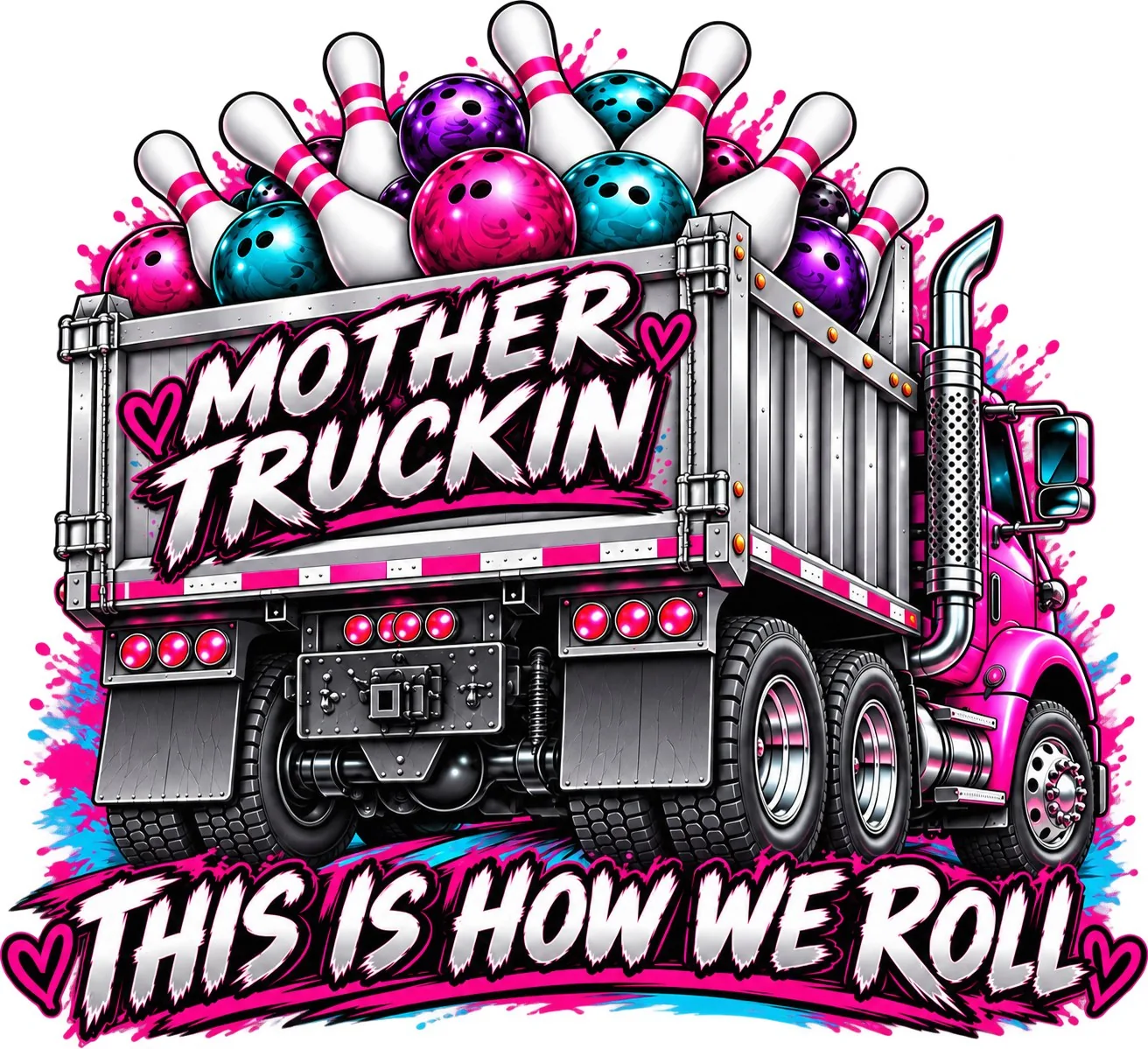
Mother Truckin — transfer artwork
DTF. Full-color illustration with brush lettering, on a transparent background, ready to be ganged onto the film.
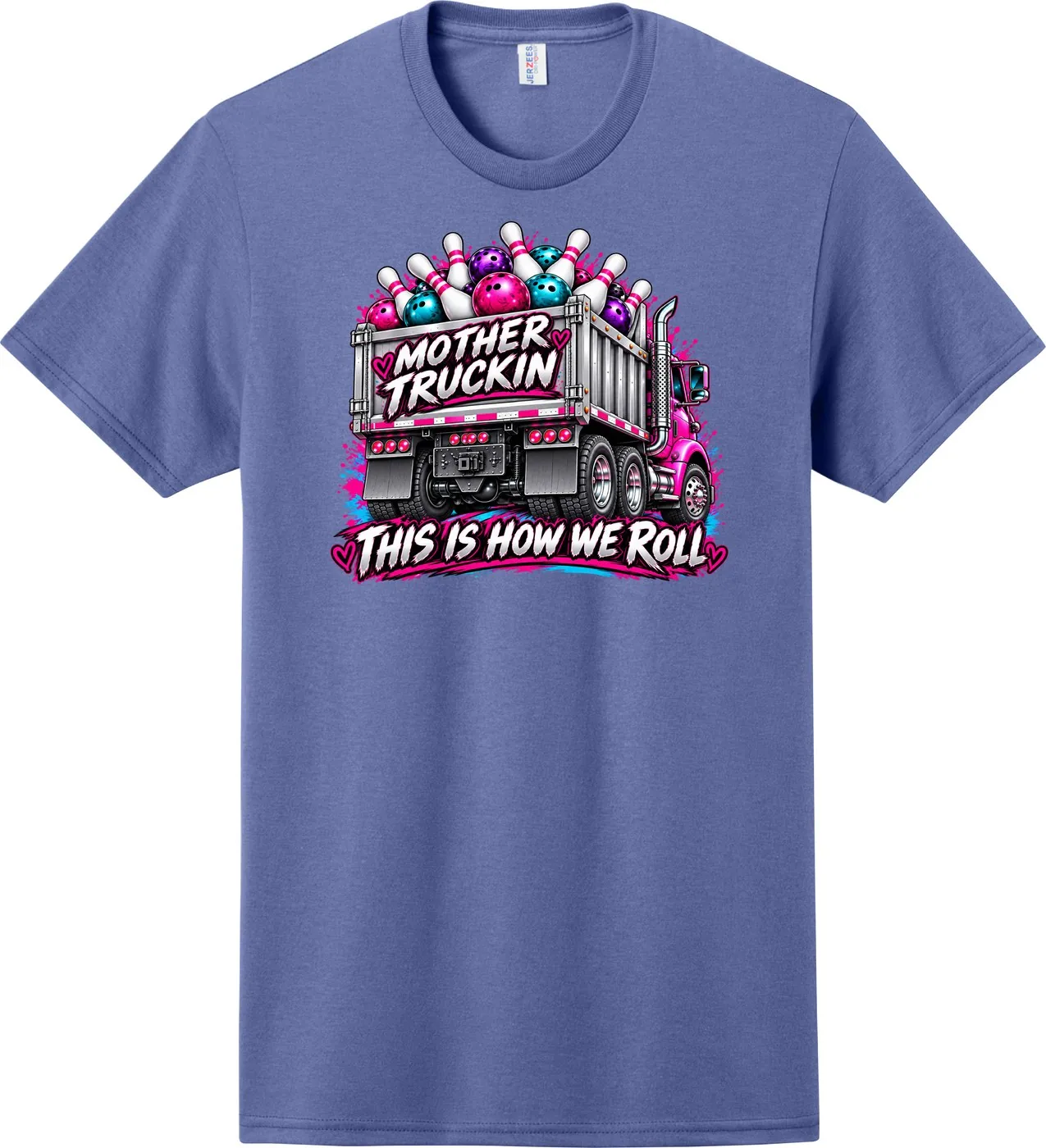
Mother Truckin — tee mockup
“This Is How We Roll” front print, shown at placement size for approval.
Choose this when you need a full package for multi-decoration or technically demanding work, including complex wide-format jobs and multi-side vehicle wraps, with all required formats and color profiles. 30 Bee-Coins.
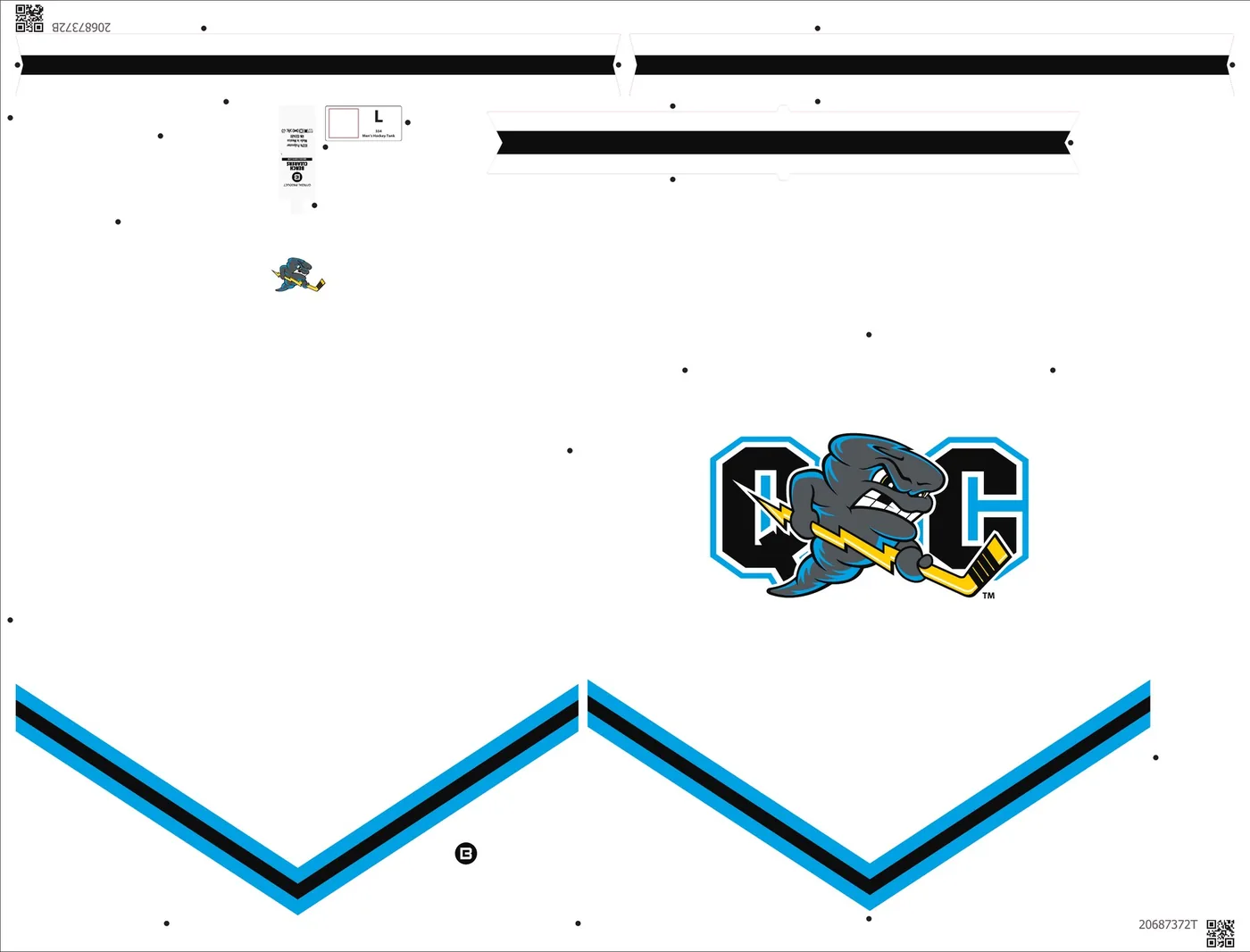
Quad City Storm — production file, size L
Dye sublimation. Front, back and trim pieces for a sublimated tank, with chest logo, chevron stripes, back neck logo, size label and tracking codes in place. One file per size.
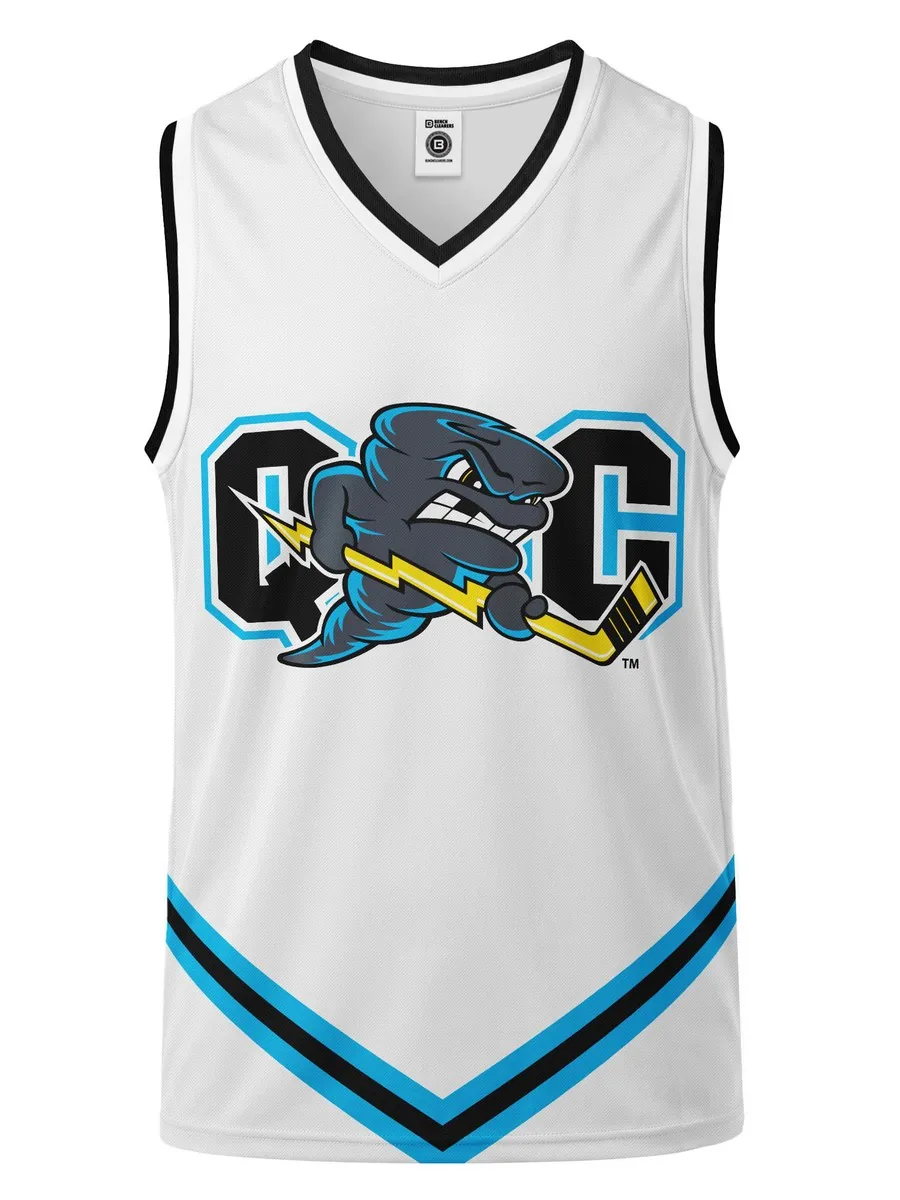
Quad City Storm — front
Flat mockup of the finished tank.
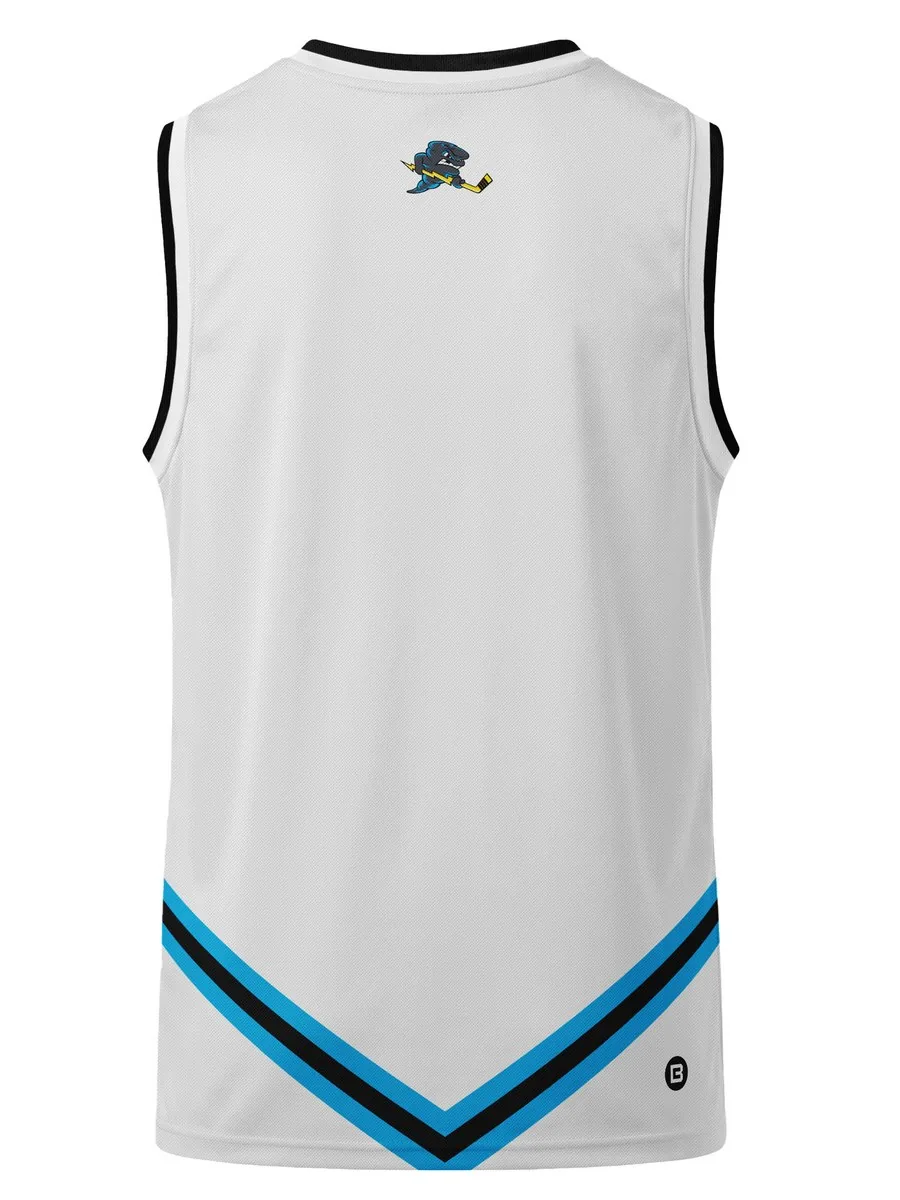
Quad City Storm — back
Back neck logo and chevron trim.
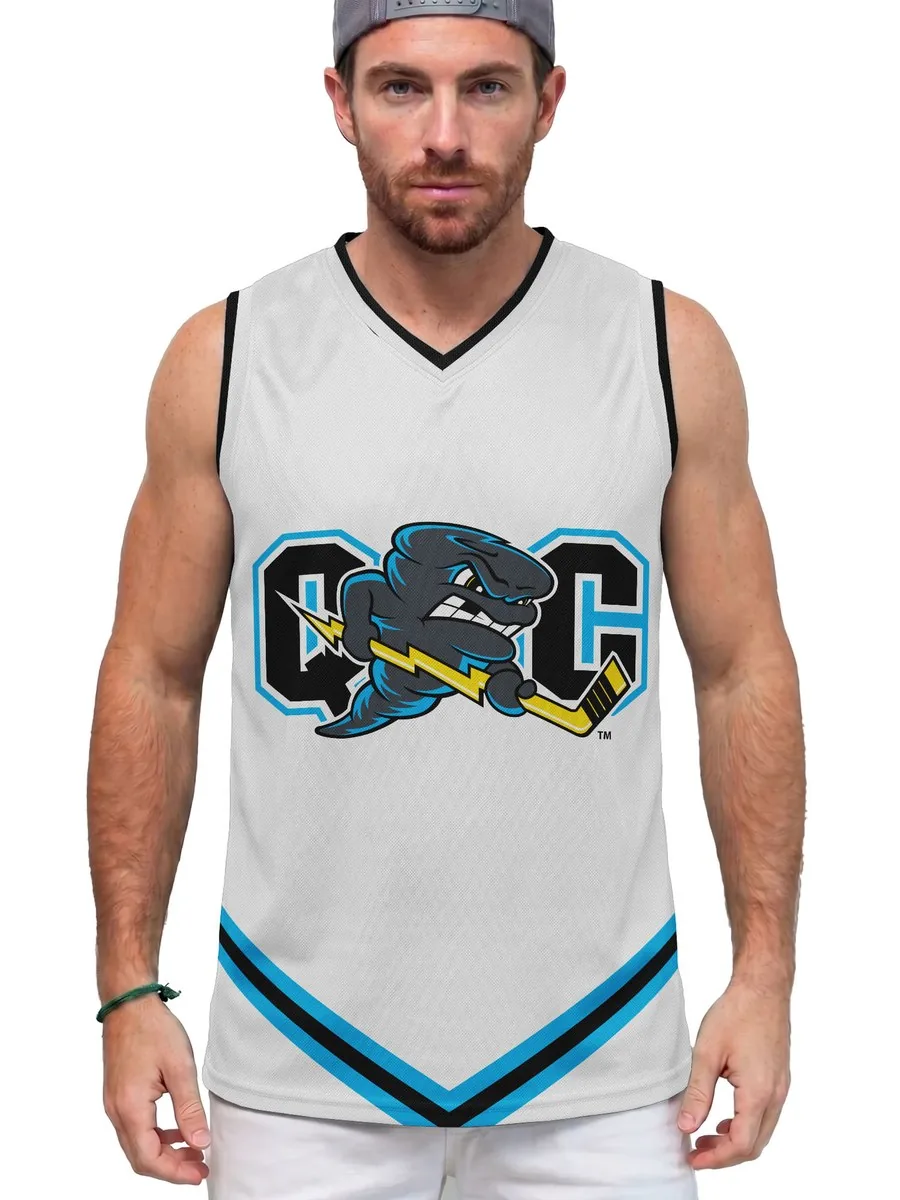
Quad City Storm — on model
Front view on model.
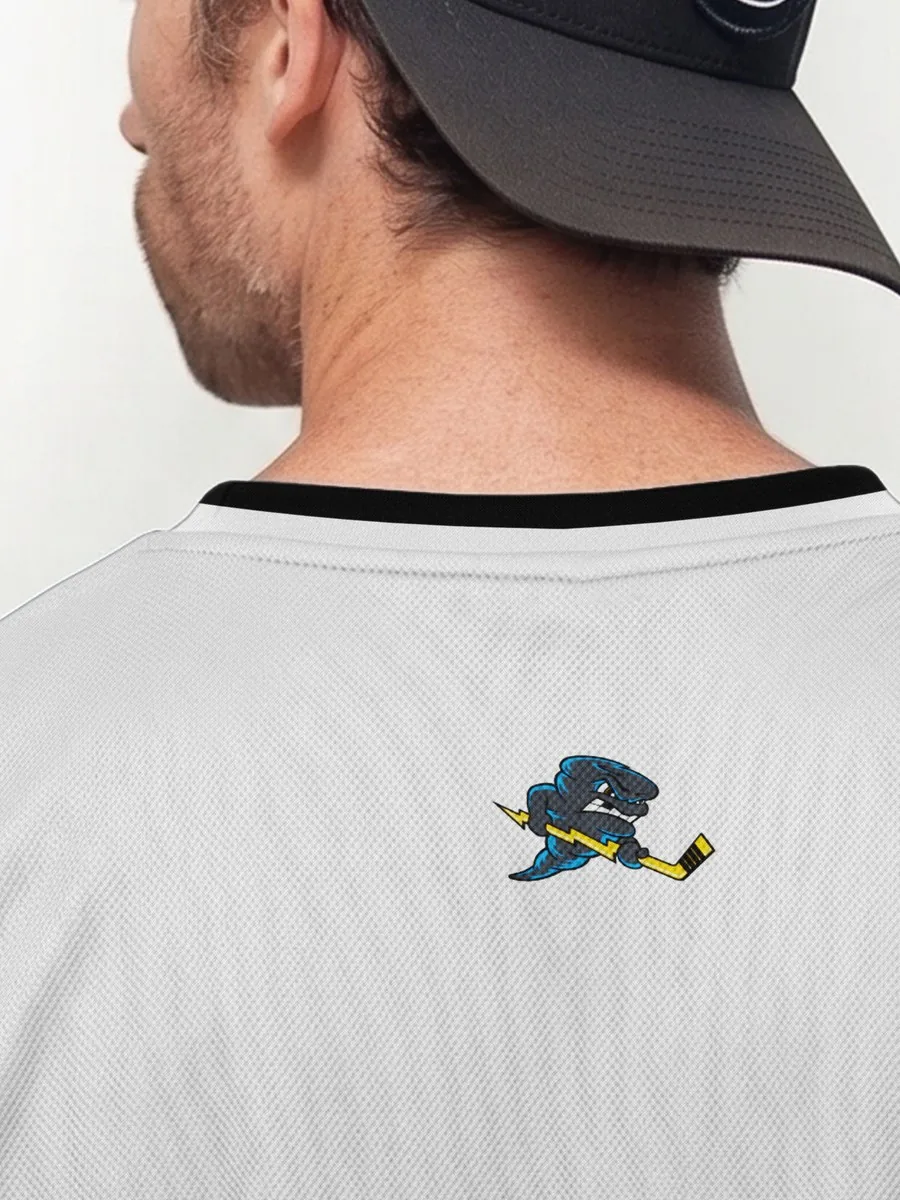
Quad City Storm — detail
Back neck logo at actual scale on the mesh.
How it works
- 1
Order a Production File in The HIVE
Choose Production File and tell us the technique, size, format and any template we should follow. Wide-format and wrap jobs use this same service.
- 2
We build the production package
The file is set up for your method, at the size and format you requested.
- 3
Download and send to production
Files are delivered to The HIVE, our Artwork Management Platform, ready for the operator.
Turnaround
Most jobs are delivered in 4–24h; committed turnaround is 24–72h by complexity. Wide-format and vehicle-wrap Production Files are delivered in 24–72 business hours depending on complexity.
Complexity and files
Production Files are quoted in The HIVE by complexity (Basic, Standard, Advanced, Complex). The work ranges from a simple single-technique setup to a full package for multi-decoration or technically demanding jobs, including complex wide-format and vehicle-wrap files.
Questions, answered
What counts as a Production File?
A Production File is a print-ready file set up for a specific production technique. That includes screen print, DTF, DTG, dye sublimation, laser edging, wide-format / signage, and vehicle-wrap artwork. In The HIVE, wide-format and vehicle-wrap jobs are ordered as a Production File.
How fast is a Production File delivered?
Most jobs are delivered in 4–24h; committed turnaround is 24–72h by complexity.
What do you need from me for wide-format or wrap files?
The artwork, the size and format you need, and the templates you want us to follow. If you do not have a template, we can build one as needed. For vehicle wraps, include the year, make and model and any coverage notes you already have.
Do you include a tech pack with a Production File?
Not by default. In The HIVE, a tech pack is ordered as a Production Proof. It is the document that turns the client requirement into language a production operator understands. For embroidery, the PDF in our standard four-file digitizing delivery is already a tech pack (thread colors, stitch count and related details).
Do you print or install the work?
No. Pixel's Hive delivers digital, production-ready files to your account in The HIVE. You print or install with your own equipment or partners.
Can I request revisions?
Yes. Request revisions within 30 days of completion, until you are happy with the result. If a request is not a revision, our team may ask you to pay additional coins.
Ready to order?
Create a free account in The HIVE, or book a 15-minute meeting if you want to talk the job through first.