Vector
Vector conversion for print shops and decorators
We rebuild the client logo or artwork as a clean, scalable vector you can use for screen print, DTF, signage, embroidery prep and the rest of your decoration workflow.
What you get
- A production-minded vector in the format you need, including AI, EPS, SVG, PNG and PDF.
- PSD files when you need them.
- A file you can take into a Production File, a wide-format layout or an embroidery digitizing order when the next step is technique-specific setup.
How to choose a complexity
Vector examples are organized from lower to higher illustration complexity, so you can see what to expect from each level.
Complexity criteria
Complexity depends on color count, line detail, and whether there's shading or illustration-style gradients.
Choose this when the artwork is simple shapes, 1–3 flat colors, basic typography or geometry.
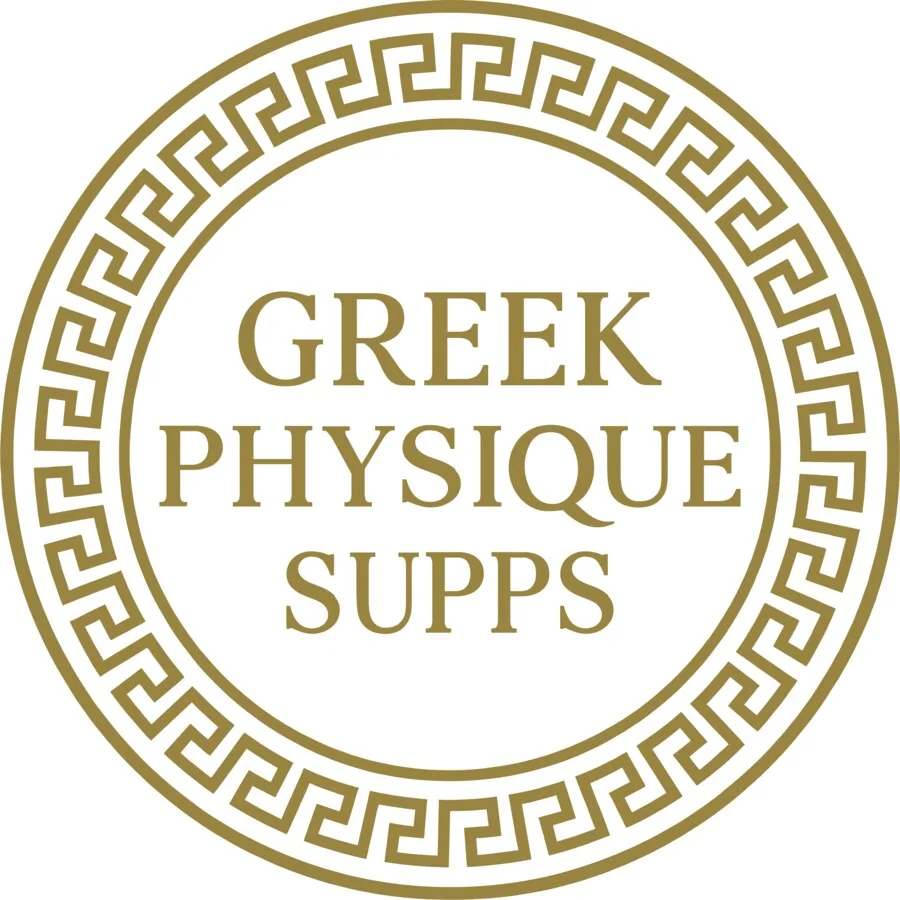
Greek Physique Supps
1 ink color, mostly typography + circular border
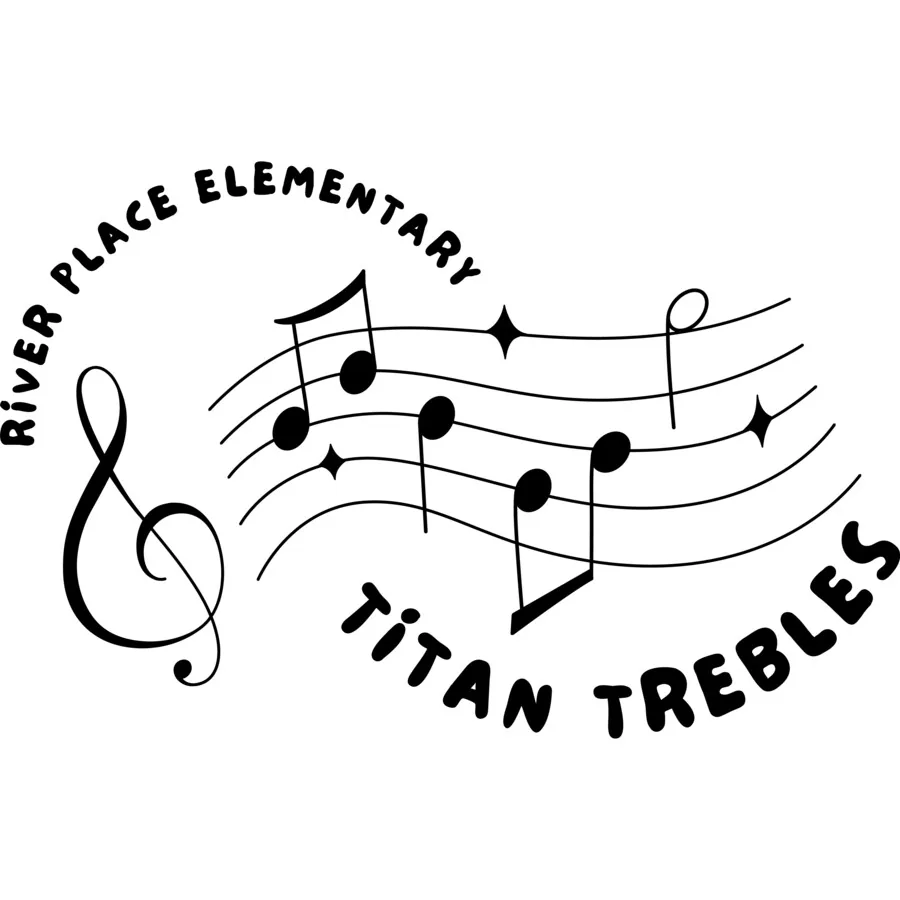
Titan Trebles (River Place Elementary)
Single-color line art, treble clef + curved typography
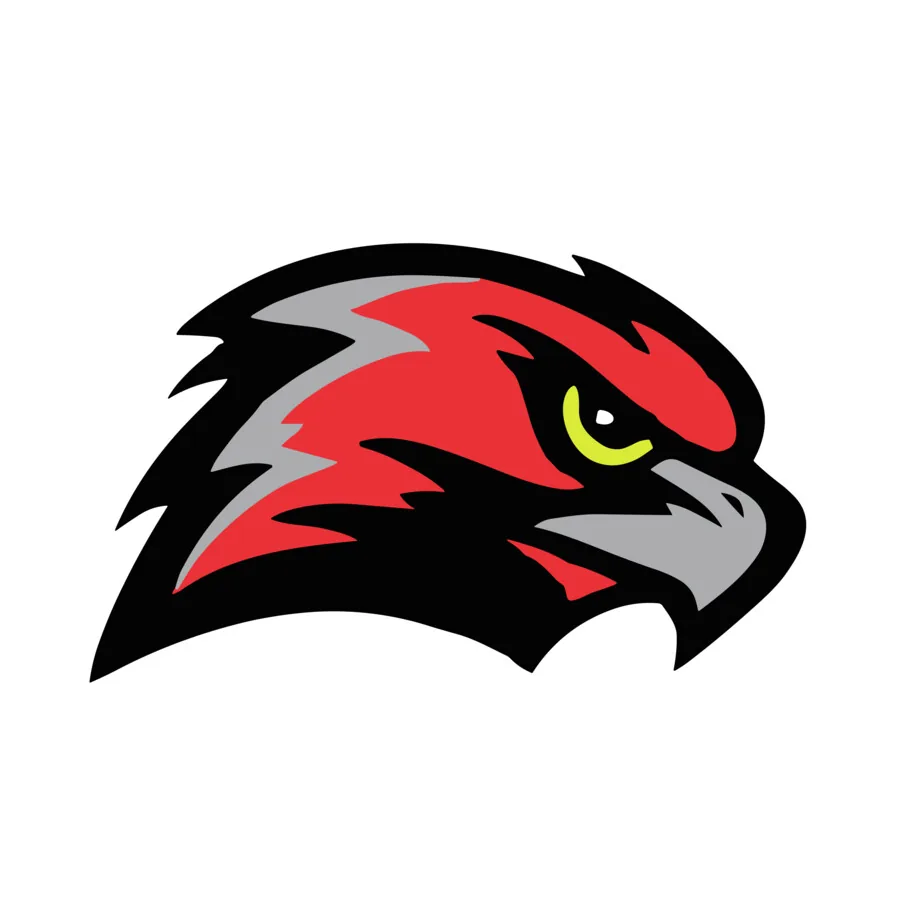
Sammamish Lacrosse hawk
3 flat colors, single mascot icon, no gradient
Choose this when there are more elements combined, but no detailed illustration or gradients.
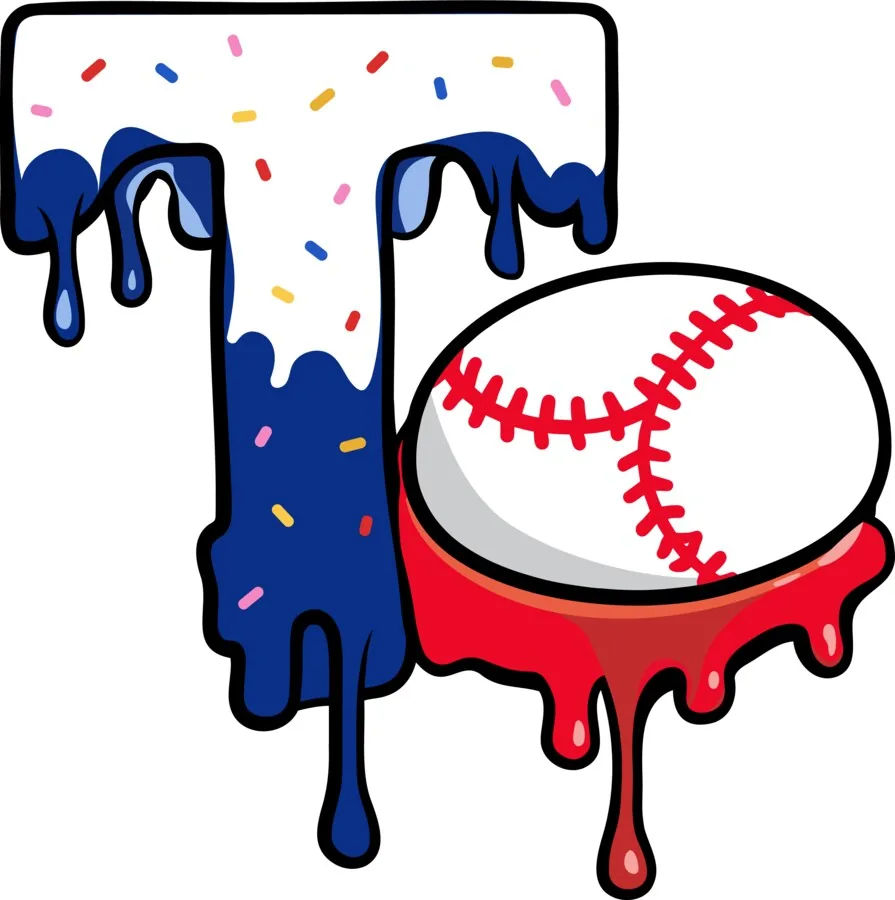
“T” drip effect + baseball
Multicolor, organic but clean shapes
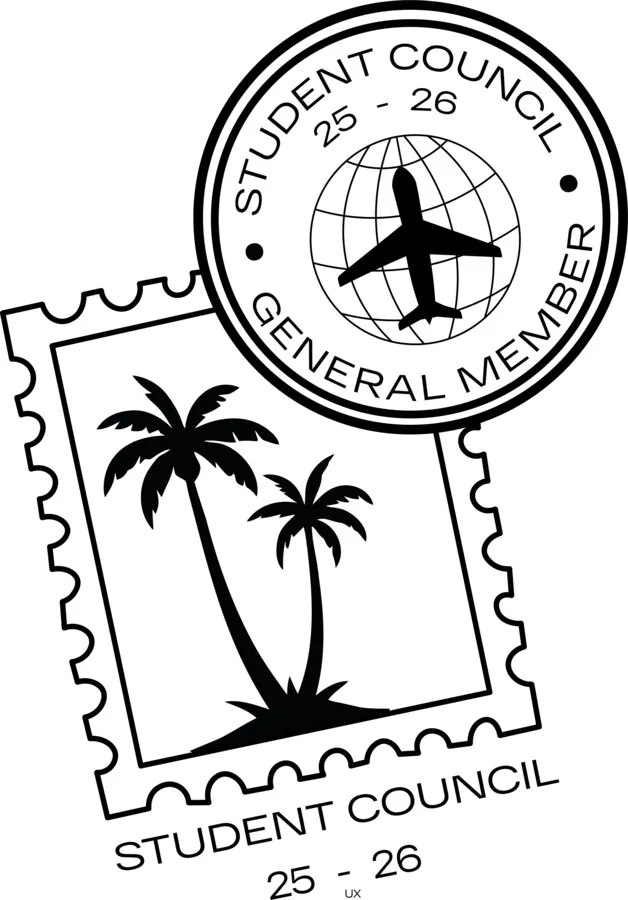
Student Council stamp
Black line art, more detail but a single color
Choose this when the illustration has more detail, texture, or multiple combined elements.
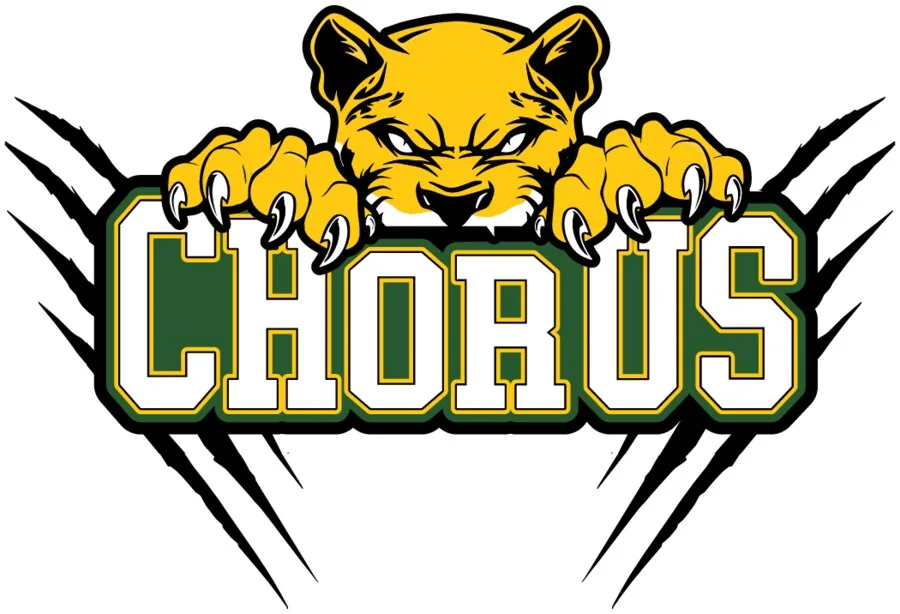
Chorus mascot
Claws + integrated typography, shading
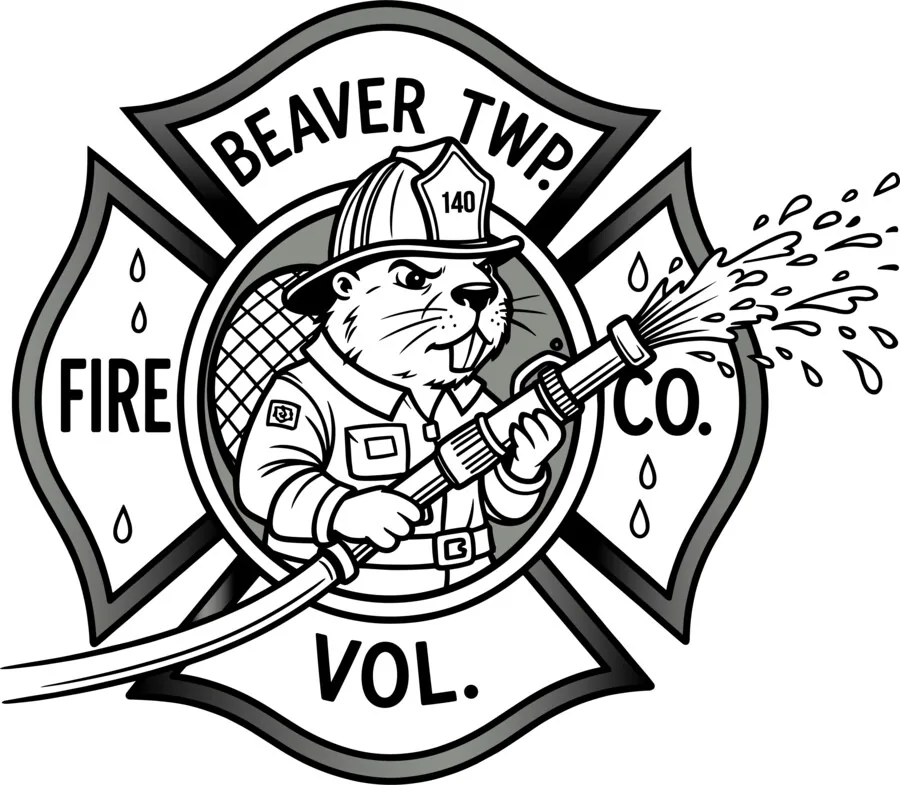
Beaver Twp Fire badge
Heavy line detail, monochrome but dense
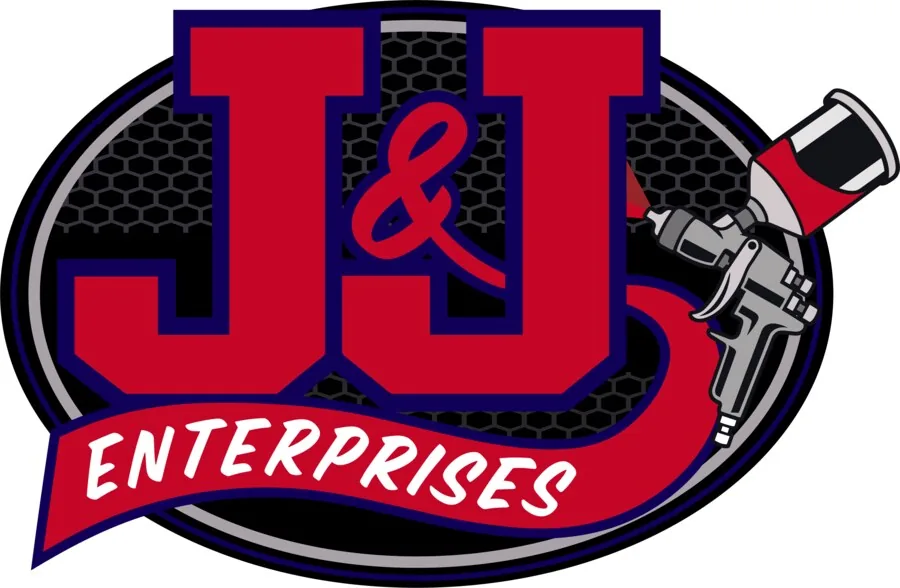
J&J Enterprises
Multiple elements and colors, hexagon pattern
Choose this when you need a full-color illustration with shading, pop-art style gradients, or multiple figures.
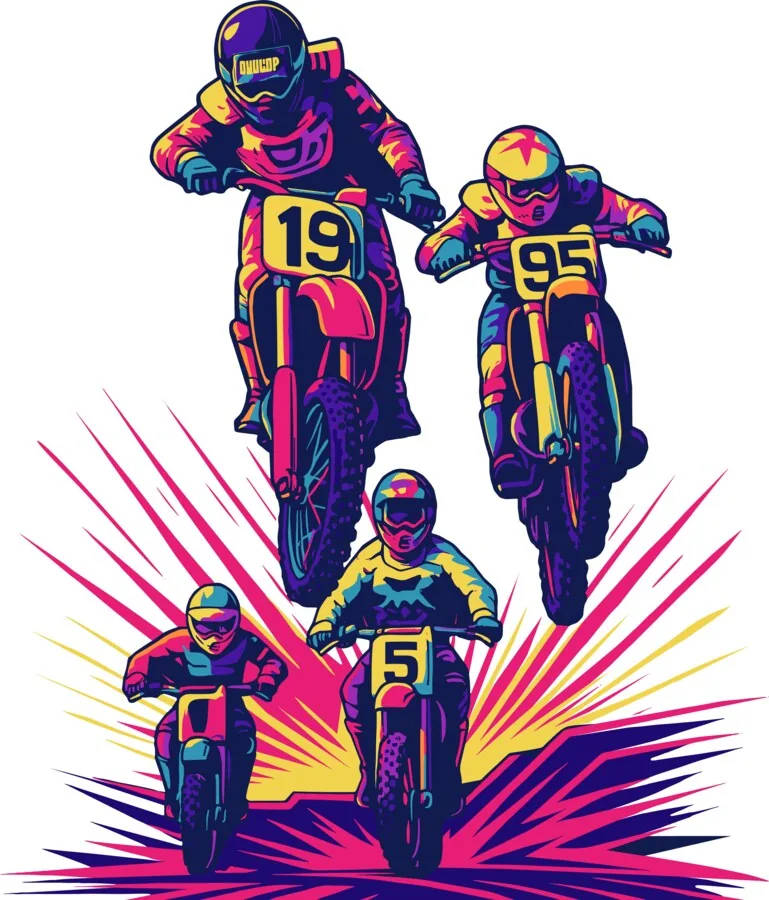
Motocross
4 riders, pop-art shading, many color layers
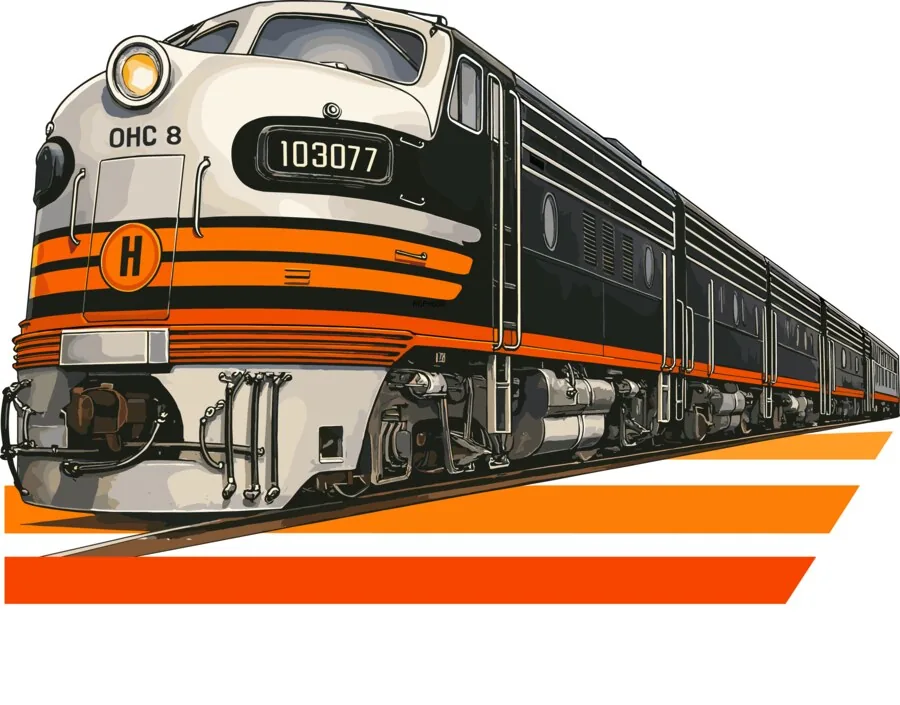
Locomotive
Detailed illustration with shadows and reflections
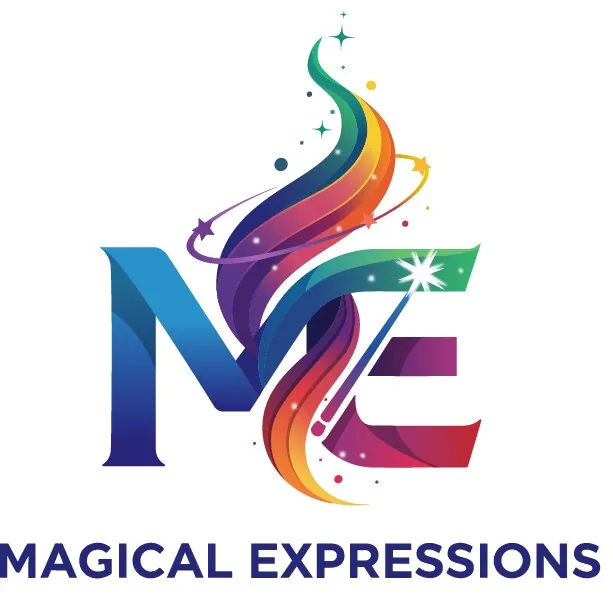
Magical Expressions
Complex multicolor gradients, glow effects
How it works
- 1
Upload the artwork in The HIVE
Send the file you have and tell us what the vector will be used for.
- 2
We rebuild the art
Our team turns it into a clean, scalable vector ready for production.
- 3
Download from The HIVE
The file is waiting in The HIVE. Revise it within 30 days if needed.
Turnaround
Most jobs are delivered in 4–24h; committed turnaround is 24–72h by complexity.
Files and what we need from you
Send a JPG, PNG, PDF or whatever your client sent you. Tell us the decoration method and the vector format you want back. We deliver AI, EPS, SVG, PNG and PDF, and PSD on request.
Questions, answered
What vector formats do you deliver?
We deliver vector files in the format you need, including AI, EPS, SVG, PNG and PDF. We also deliver PSD files.
How fast is vector conversion delivered?
Most jobs are delivered in 4–24h; committed turnaround is 24–72h by complexity.
What can I send you?
A logo or artwork in the file you have — JPG, PNG, PDF or another common format. Tell us the production method it is headed for (screen print, DTF, signage, embroidery and so on) so we can build the file accordingly.
Is this the same as a Production File?
Not always. Vector conversion gives you a clean, scalable vector. A Production File is the next step when the file has to be set up for a specific technique — color separations, DTF, dye sublimation, laser edging, wide-format output or vehicle-wrap artwork. You can order both in The HIVE.
Can I request revisions?
Yes. Request revisions within 30 days of completion, until you are happy with the result. If a request is not a revision, our team may ask you to pay additional coins.
Ready to order?
Create a free account in The HIVE, or book a 15-minute meeting if you want to talk the job through first.